DriveSnap vs MileIQ
Both detect drives automatically and both produce a tax report. They differ on three things that matter: whether the free tier stops logging, where your location history lives, and what a year costs.
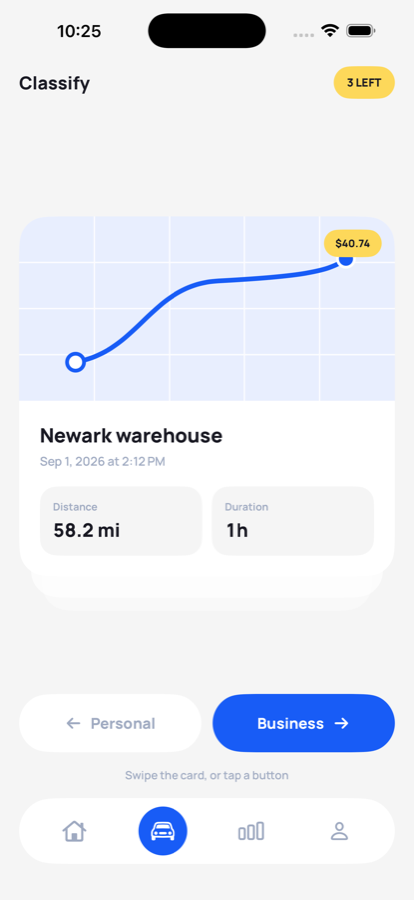
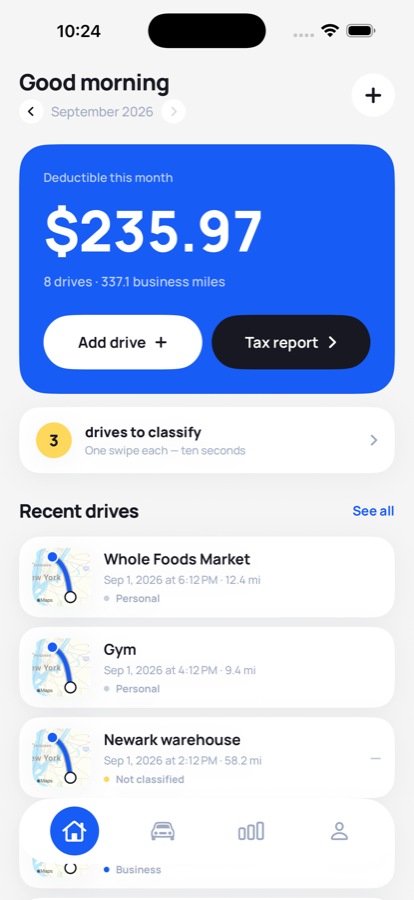
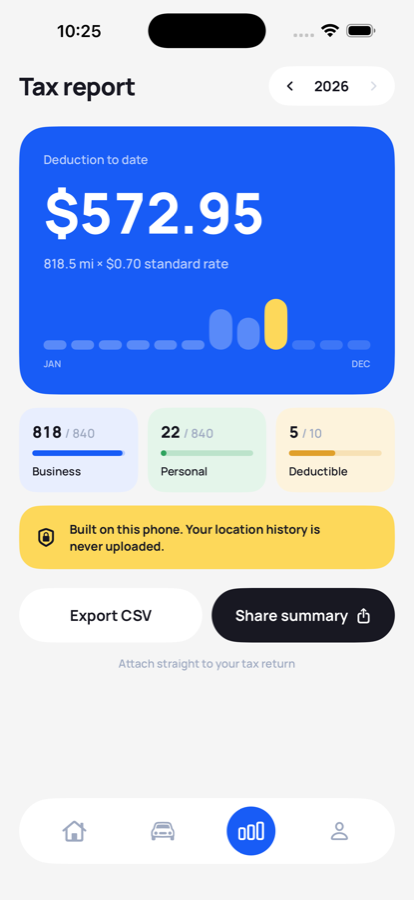
The differences that decide it
| DriveSnap | MileIQ | |
|---|---|---|
| Free drives per month | Unlimited | 40, then logging stops |
| Where location history lives | Only on your iPhone | Their servers |
| Account required | No | Yes |
| Price | Free during launch | $11.66/mo billed annually · $13.99/mo monthly |
| Lifetime option | Planned | None |
| Automatic drive detection | Yes | Yes |
| Swipe to classify | Yes | Yes |
| Work-hours auto-classification | Yes | Yes |
| Web dashboard | No | Yes |
| Teams and admin reporting | No | Yes |
| Platforms | iPhone only | iPhone, Android, web |
MileIQ figures read from mileiq.com/pricing and its US App Store listing on 21 September 2026. Rows where MileIQ is stronger are shown plainly rather than left out. Free tiers and prices change without notice: the free tier comparison carries the price history and the sources.
Which one you should pick
Choose MileIQ if…
You run a team and need a web dashboard, administrator reporting or per-employee reimbursement. You use Android, or you need the same account across a phone and a desktop. Those are real products DriveSnap does not have, and no amount of privacy makes up for a missing dashboard you actually need.
Choose DriveSnap if…
You are self-employed or a sole trader logging your own driving. You want a free tier that never stops recording mid-month, a cheaper subscription, and your location history to stay on your own device. And you would rather pay once, for life, than subscribe forever.
Why 40 drives a month is the real issue
It is not that the free tier ends. It is where it ends. Pass the cap on the 18th and the rest of the month is simply missing from your log — and a mileage record with a hole in it is not a partial record, it is an unusable one. That is the complaint that appears most often in reviews of capped trackers, and it is why DriveSnap gates the export instead of the logging.
Before you pick either
IRS mileage rate 2026: 72.5¢, then 76¢ from 1 July
Whichever app you use, the rate changed mid-year.
MileageYou forgot to track your miles. Now what?
What the IRS allows when months went unlogged.
MileageFree mileage log template
The columns every authority expects, as a spreadsheet or a printable page.
Straight answers
Is DriveSnap a good MileIQ alternative?
If you want automatic drive detection without a monthly drive cap and without your location history leaving the phone, yes. If you need a web dashboard, team administration or multi-user reporting, MileIQ does those and DriveSnap does not.
Does MileIQ have a free drive limit?
Yes. MileIQ's free tier is limited to 40 drives per month, stated on its own pricing page and in its App Store listing. Once you pass it, drives stop being logged until the next month or until you subscribe. DriveSnap has no cap on the free tier.
How much does each cost?
MileIQ Unlimited is listed at $11.66 a month billed annually, or $13.99 a month billed monthly, checked on mileiq.com/pricing on 21 September 2026. Twelve months at the annual rate is $139.92. DriveSnap version 1.0 is free in full: tracking, classifying, history, the CSV export and the tax report, with nothing to buy. A paid tier arrives in a later update; tracking stays free and uncapped either way.
Can I move my MileIQ history into DriveSnap?
Not automatically. DriveSnap can import its own backup file, but there is no MileIQ importer. Drives already filed for a past tax year are usually best left where they are, with an export kept for your records.
Which one should I choose?
Choose MileIQ if you need a team product with a web dashboard. Choose DriveSnap if you are self-employed or a sole trader, you want an uncapped free tier, and you would rather your location history stayed on your own device.